Topic: Working with files
Online Help
Close
To close a file, you must hover the mouse over its tab and click the "close" ❌ button that will appear on the right. If the file is not saved, you will get the following prompt:
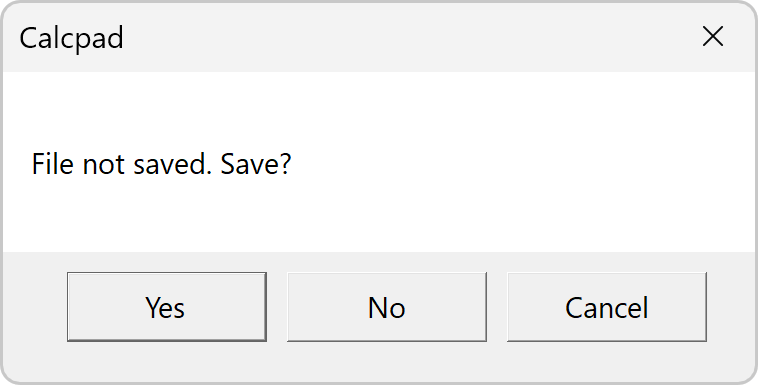
If you answer "Yes", the "File Save" dialog will appear. Enter file name and click "Save". Thus, you will preserve your data before being cleared. If you select "Cancel" you will interrupt the command and everything will remain unchanged. You can close all open files at once by selecting the menu "File/Close All".