Topic: Coding aids
Online Help
Function and macro insertion dialog
Insertion of standard, custom functions, and macros is made easy since version 7.7.0. First, position the cursor at the place of insertion. Then press the  button to show the insertion dialog. The available functions and macros are listed under the respective tabs. Select the required item and click the "Insert" button. Alternatively, you can insert an item by double-clicking on it in the list. Only custom functions and macros that are declared above the current line are included in the list. The others cannot be used at this place, and not listed for that reason.
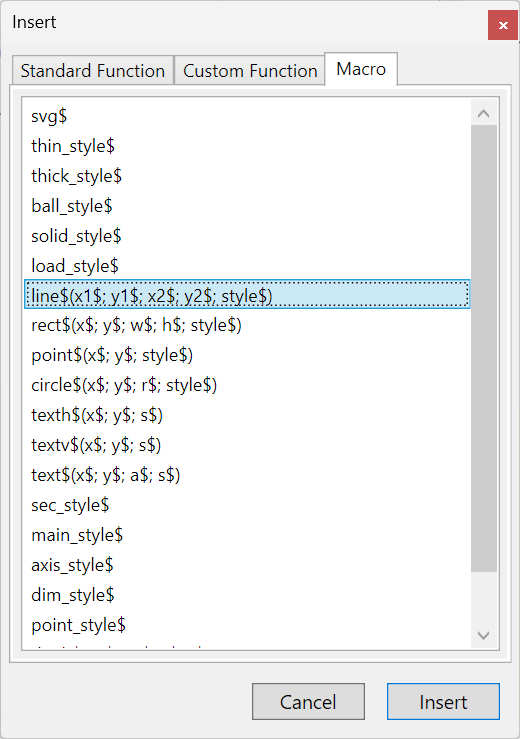
Table of contents
-
+
About Calcpad
-
+
Writing code
-
−
Coding aids
-
+
Expressions
-
+
Reporting
-
+
Programming
-
+
Results
-
+
Working with files