Topic: Coding aids
Online Help
Table of contents
This is a comprehensive tool that helps you navigate easily in large files. The table of contents is extracted automatically from the Html and Markdown headings in the code. This is performed in the background while editing. You can find the generated table of contents in the respective tab below the code box:

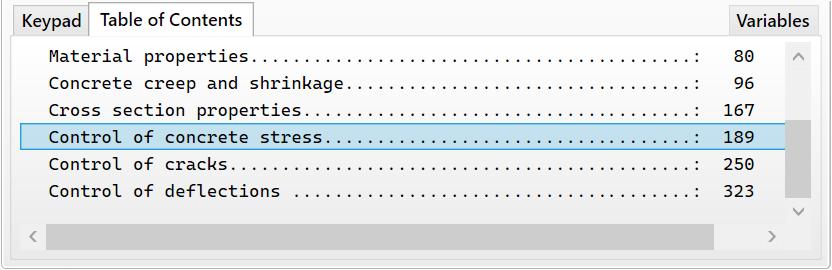
Each entry in the table includes the respective heading text and the line number. If you click on any entry, the view will scroll to the respective line in the code. You can also select entries using the keyboard arrows instead of clicking.
Table of contents
-
+
About Calcpad
-
+
Writing code
-
−
Coding aids
-
+
Expressions
-
+
Reporting
-
+
Programming
-
+
Results
-
+
Working with files